|
|||
| Home Shop Online Installation Instructions | |||
|
Re-Activating Mindstar Add-Ons |
||
 |
||
|
1.
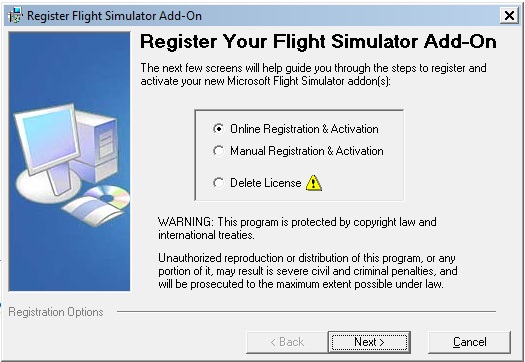
Launch the Activation Program |
|
|
|
|
|
||
| 2. Follow These Steps to Activate the Updated Version | ||
|
|
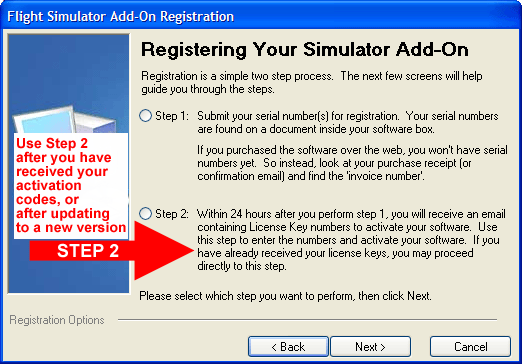
B) Select "Step 2" on the screen shown below:
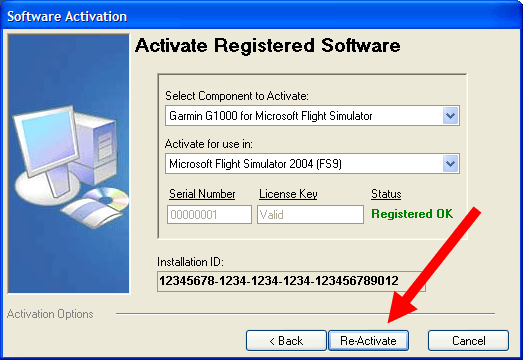
C) Click the "Re-Activate" button to activate the new version of the software. No new license information will be required since your previous information will have been saved from your initial registration:
As always, if you have any questions, problems, or comments, please feel free to contact us via email at support@MindstarAviation.com, or via telephone at 703-404-1100. Enjoy your flights!
|
|